AccuWix Report CLI
I wrote this lil command line application while riding on a bus to and from New York City- find the project repository here at jesssullivan/AccuWixReport. 😸
This utility generates a variety of concise, merged monthly financial superlative reports in raw markdown, drawing from transaction CSVs exported by Acuity and Wix.
- “Paid” transaction reports are marked as “paid” by the respective platforms (automatically via credit card or manually upon receiving otherwise untracked currency)
- “Unpaid” transaction reports were not explicitly marked as “paid”; while the most likely scenario is that this transaction was completed successfully offline (via cash / venmo), an “Unpaid” status may imply the client did not settle up or the transaction was recorded erroneously due to cancellation, revision or other extenuating circumstances.
Intended usage:
Setup:
python3.12 -m venv accuwix_venv
source accuwix_venv/bin/activate
pip install -r requirements.txt
Generate and print report for January:
python3 src/cmdline.py -m JanGenerate and save all reports to markdown file:
python3 src/cmdline.py -all > AccuWixReport.mdGenerate a sexy PDF report from markdown file:
pandoc AccuWixReport.md -o output.pdf -V geometry:margin=1inDisplay help screen:
usage:
 -h   : print this message again
 -all : generate all reports
 -m   : `month` (optional); specify a month to generate a superlative report`

 use any of the following month qualifiers:
 Jan, Feb, Mar, Apr, May, Jun, Jul, Aug, Sep, Oct, Nov, Dec
Originally published at www.transscendsurvival.org
Related Posts

Jess Sullivan

Full stack engineer, musician, and birdwatcher based in Lewiston, ME & Boston, MA. I build infrastructure tooling, digital automata, hack upon compilers, love learning new languages, futz with hardware, and maintain a lot of fun projects here and elsewhere.

Tech / FOSS
Sponsoring
Ventures
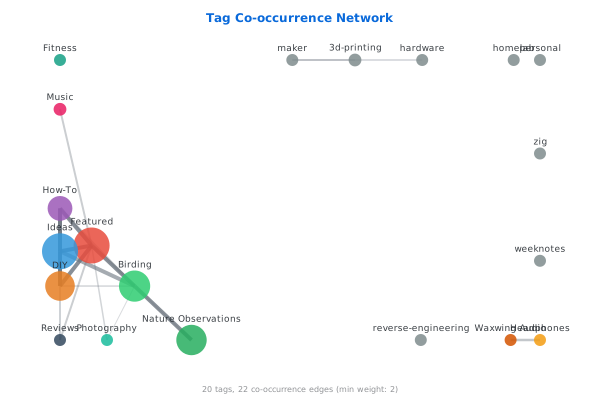
Topic Network
GitHub Activity